The best practice management software for a multi-location integrative clinic runs every site on one shared record while keeping inventory, scheduling, and staff permissions separate per location. Look for a central protocol library that syncs to all sites, per-location stock tracking, role-based access scoped to each practitioner and location, and reporting that rolls every site up into one revenue view. Supplement Practice was built around exactly this pattern.
What Multi-Site Clinic Software Must Do
- One shared protocol and template library that propagates to every location automatically
- Per-location inventory so each site tracks its own supplement stock and reorder points
- Role-based access scoped to each practitioner and each site, not the whole company
- Consolidated reporting that rolls all locations into one revenue and margin view
- Consistent charting and protocol standards so care quality does not drift between sites
- A repeatable onboarding path so opening location four takes days, not months
- One patient record that follows the patient if they visit a second location
One system, many rooms — not many systems bolted together
The defining failure of a growing integrative clinic is running each new location as its own island: a separate login, a separate spreadsheet of inventory, a separate protocol folder that slowly drifts from the others. Within a year the two sites are effectively different businesses wearing the same logo. The best multi-location software solves this at the data layer — one shared database of protocols, patients, and products, with location-aware boundaries drawn on top of it — rather than by asking staff to keep three copies of everything in sync by hand.
So when practitioners ask how practice management platforms support multi-location clinics, the honest answer is that the good ones treat “location” as a first-class field on every record — inventory, appointments, staff, orders — while keeping the clinical library global. That single design choice is what lets you scale from one site to five without multiplying your administrative work by five.
A central shared protocol library that every site inherits
Clinical consistency starts with a single source of truth for protocols. When your senior practitioner refines a gut-restoration protocol at the flagship site, that update should be available at every other location the same day — not re-typed, re-remembered, or lost. A shared library means new hires at a second or third site deliver the same standard of care as your best clinician on day one, because the protocol they open is the protocol the whole group agreed on.
This is where an all-in-one system earns its keep. Building protocols once and pushing them everywhere is far closer to the workflow in AI-drafted supplement protocols than to a shared Google Drive folder. Pair that with dedicated protocol software and every location is reading from the same clinical playbook.
Per-location inventory that never guesses
Supplements are physical stock, and stock lives in a building. A platform for managing multiple clinics or practice locations has to track inventory per site: what is on the shelf in Denver is not what is on the shelf in Boulder, and a reorder alert for one should never deplete or double-order the other. Good systems give each location its own counts, reorder points, and receiving log, while letting an owner see all of them at once. That prevents the classic multi-site problem — one site drowning in expired product while another turns patients away for stockouts.
The same discipline that makes single-site supplement inventory management work applies here, just multiplied: par levels, batch and expiry tracking, and automatic decrementing when an order fulfills — scoped to the location that actually holds the bottle. The best systems also let you transfer stock between sites and log it, so when Boulder is short on a fast-moving SKU and Denver is overstocked, the movement is recorded rather than improvised. That single audit trail is what keeps a multi-location dispensary's numbers trustworthy at year-end, when you reconcile physical counts against what the software says should be on each shelf.
Per-location inventory also protects your margins. When you can see, per site, which products sell through fast and which sit until they expire, you stop reordering losers at your slowest location and stop stocking out of winners at your busiest one. Owners who ignore this end up subsidizing dead inventory at one site with the profits of another and never notice, because a single blended count hides it.
Role-based access per practitioner and per location
Access control is where multi-location software either protects you or exposes you. A front-desk coordinator in Location A has no business editing schedules or viewing charts in Location B, and a per-diem practitioner should see only the patients and inventory of the site they work. The right platform lets you assign roles — owner, provider, front desk, biller — and then scope each role to one or more locations. That keeps the flagship owner able to see everything while every other user sees exactly their slice, which is also how you keep HIPAA-compliant access controls defensible as you add staff.
Scoped access is not just a privacy nicety — it is what makes a growing group manageable. A provider who floats between two sites should carry the right permissions at each without you re-granting anything, and a manager over three locations should see those three and no others. When access is all-or-nothing, owners either over-share, exposing every patient record to every employee, or waste hours maintaining separate accounts. Role-based, location-scoped permissions let you delegate real authority — a site manager who can run their own schedule and inventory — without handing over the keys to the entire company.
Consolidated cross-location revenue and reporting
The payoff of centralization is the owner's dashboard. Instead of exporting three spreadsheets and reconciling them on a Sunday night, you see total revenue, supplement margin, visit volume, and no-show rate across all sites — and you can drill into any single location. This is what turns a collection of clinics into a comparable portfolio: you can spot that Location C's dispensary margin lags the others, or that Location B's schedule is 90% full while A sits at 60%. Real-time visibility into supplement profit margins per site is the single most useful report a multi-location owner runs.
A functional-medicine group opening its third site in Arizona
Dr. Lena Ortiz ran two integrative clinics 40 minutes apart, each on its own scheduling app and a shared spreadsheet for supplements. Adding a third location was the breaking point — she could not tell, on any given day, which site was low on magnesium glycinate or whether the newest practitioner was following the group's thyroid protocol.
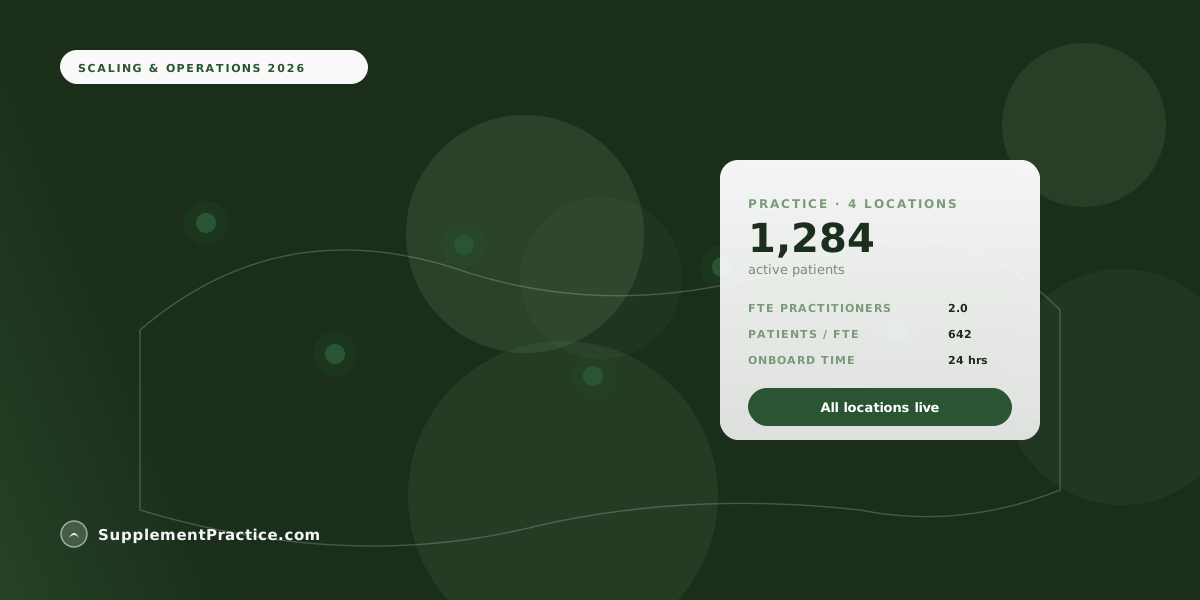
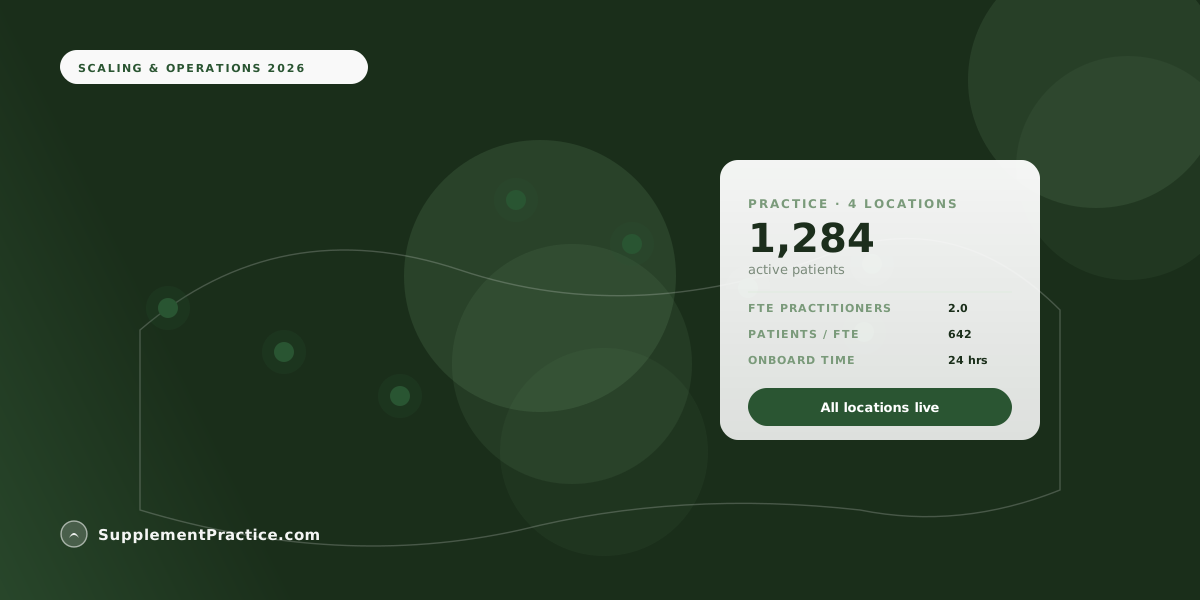
She moved all three sites onto Supplement Practice as one account. Protocols now live in a single shared library every provider inherits; inventory is counted per location with its own reorder alerts; each practitioner sees only their site; and Lena watches one dashboard that rolls all three clinics into a single revenue and margin view. Opening the third location took eleven days instead of the two months the second had taken.
| Capability | Stitched-together stack | Unified multi-site platform |
|---|---|---|
| Protocol updates | Re-shared file per site, drifts | One library, inherited everywhere |
| Inventory | Separate spreadsheet per location | Per-location counts, one owner view |
| Staff access | Shared logins, all-or-nothing | Role-based, scoped per site |
| Revenue reporting | Manual export and reconcile | Consolidated, drill into any site |
| Opening a new site | Rebuild everything from scratch | Clone settings, invite staff |
Onboarding a new location without rebuilding the business
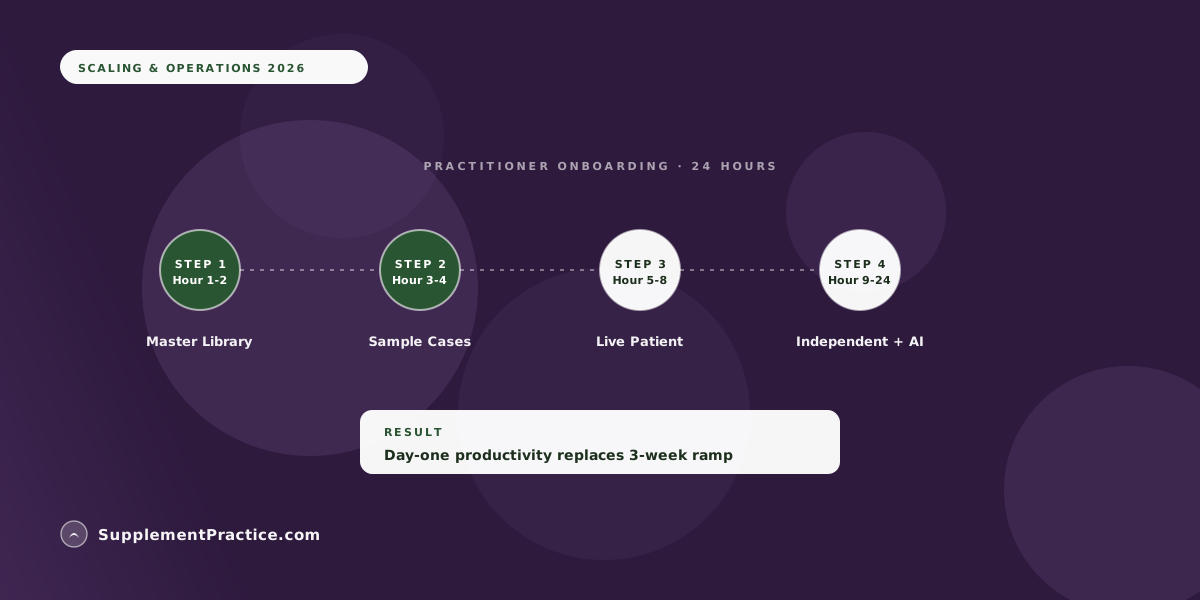
The final test of multi-location software is how fast you can light up site number four. In a well-designed platform, a new location inherits the shared protocol library, your product catalog, and your appointment types automatically; you set its address, hours, and starting inventory, invite its staff, and scope their roles. Nothing clinical is rebuilt. This repeatability is the whole reason growth-minded owners choose an integrated system in the first place, and it connects directly to the broader case for replacing the software stack with one platform.
One caution worth stating plainly: scope of practice, supplement sales tax, and dispensary licensing rules vary by state and change, and a multi-location group frequently operates across more than one state's rules. Treat this article as general operational guidance, not legal or tax advice — verify each location's licensing, sales-tax, and scope requirements with that state's board and a qualified attorney or CPA before you open the doors.
Common multi-location mistakes
- Running each site as a separate account. You lose the shared library and the consolidated dashboard — the two things that make multi-site worth doing.
- Sharing one login across the front desk. It breaks your audit trail and your HIPAA access controls the moment you have more than one person per site.
- Global inventory counts. Treating stock as one pool hides per-site stockouts and expiries; count inventory where it physically sits.
- Letting protocols drift. If each site can edit its own copy of a protocol, care quality diverges within months. Keep the library central and versioned.
- Not standardizing before you scale. Opening a new location before your workflows are documented just multiplies the chaos. Systematize at two sites, then expand.
Frequently asked questions
How do practice management platforms support multi-location clinics?
They treat location as a field on every record — inventory, appointments, staff, and orders are all location-aware — while keeping the clinical protocol library global and shared. That lets you run every site on one patient record and one dashboard without duplicating administrative work per location. See why one platform beats a stack.
What should I look for in practice management platforms for multiple clinic locations?
Prioritize a central shared protocol library, per-location inventory with its own reorder points, role-based access scoped to each site, and consolidated reporting that rolls all locations into one revenue and margin view. A platform for managing multiple clinics or practice locations should also let a new site inherit your existing catalog and templates so onboarding takes days, not months.
Can each location keep its own supplement inventory?
Yes — a good multi-site platform counts stock per location, with separate reorder alerts, batch and expiry tracking, and receiving logs, while still giving the owner one combined view. This is the same discipline as single-site inventory management, just scoped per building.
How do I keep clinical quality consistent across sites?
Use one shared, versioned protocol library that every location inherits, so a refinement made at your flagship reaches every provider the same day. Combined with standardized charting and appointment types, this stops care from drifting between locations as you add staff.
How long does it take to add a new clinic location?
On a unified platform, a new location inherits your protocol library, product catalog, and appointment types automatically — you set its address, hours, starting inventory, and staff roles, and it is live in days. Owners who standardize their workflows at two sites first typically open the third in under two weeks.
Where to go next
Read why all-in-one software is replacing the stack, supplement inventory management for clinics, and how to track supplement margins in real time.