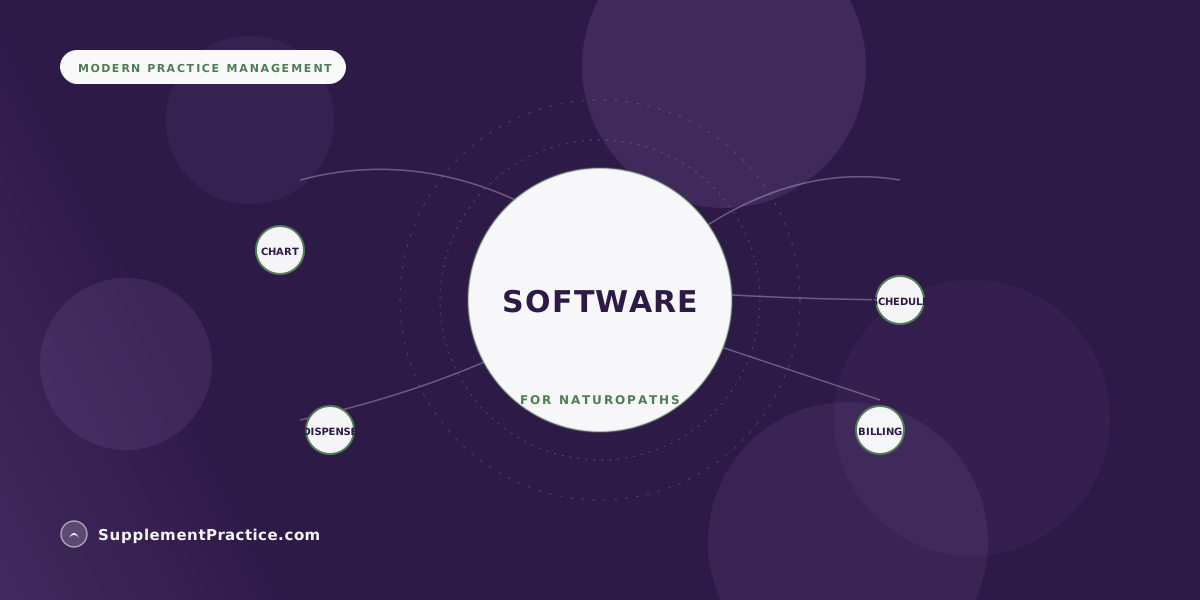
Naturopaths need software for four core jobs: charting, scheduling, supplement dispensing, and billing. Historically they stitched together a separate app for each, but the trend is toward one HIPAA-compliant, all-in-one platform that keeps notes, appointments, protocols, dispensary, and invoices in a single patient record. The right choice comes down to whether the charting fits naturopathic workflow, whether the dispensary is built in, and whether the whole thing is genuinely HIPAA-compliant.
The Four Jobs Your Software Must Do
- Charting that fits naturopathic workflow — timelines, terrain, and long protocols, not a rigid template
- Scheduling with online booking, reminders, and telehealth built in
- A supplement dispensary integrated into the chart, not a separate storefront
- Invoicing and billing that reconcile visits and supplement sales together
- Genuine HIPAA compliance with a signed BAA, not just a privacy promise
- One integrated record beats five disconnected apps on cost, data safety, and time
- Prioritize software non-tech-savvy clinicians can actually run day to day
Four jobs, and the question of how many apps do them
Every naturopathic practice needs software to do four things: chart the visit, schedule the patient, dispense supplements, and get paid. The real decision is not which four tools to buy — it is whether you run four (or five) separate apps or one platform that does all of it in a single record. For years naturopaths defaulted to the stack: a scheduler here, a charting tool there, a payment processor, a supplement storefront, and a spreadsheet holding it all together. That approach is losing ground, and for good reasons.
A disconnected stack multiplies subscription costs, scatters protected health information across vendors you each have to vet, and forces the same information to be typed into three systems. Every seam is a place data goes stale and a place compliance can slip. The alternative — covered in depth in why all-in-one software is replacing the stack — is one system where the note, the schedule, the protocol, the dispensary, and the invoice all reference the same record.
Charting: does it fit how naturopaths actually think?
Generic medical charting fights naturopathic practice. Naturopaths work in timelines and terrain, write long individualized protocols, and revisit the same threads across many visits. Software built for a fifteen-minute primary-care encounter makes that awkward. Look for charting designed for the way you work — the differences are laid out in charting software for integrative and naturopathic practices. If you are coming from a functional-medicine background, the same considerations shape how you choose an underlying EHR.
The tell that charting fits your practice is simple: you finish notes at the end of the day instead of dragging them home. Charting that fights you is the most common reason clinicians burn out on their software. When you demo a tool, do not watch the sales walkthrough — write a real, messy note from one of your own complex cases and see how much friction it takes. Templates that reduce your care to checkboxes and rigid fields will quietly reshape how you practice, and not for the better, so favor charting that bends to your process rather than forcing your process to bend to it.
Scheduling: booking, reminders, and telehealth in one place
Scheduling software should let patients book themselves online, send automatic reminders that cut no-shows, and launch a secure video visit without a second tool. When those live inside the same system as the chart, the front desk stops playing telephone and the calendar stops drifting out of sync. Self-scheduling with automatic reminders is now table stakes for a wellness practice, not a premium add-on.
The integration is where the real value hides. When scheduling shares a record with charting, a booked appointment already knows who the patient is, their history is one click away when they arrive, and a follow-up can be scheduled from inside the note without re-entering anything. A standalone scheduler that does not talk to the chart still saves the front desk some phone calls, but it leaves you copying names, dates, and reasons between systems — exactly the kind of quiet double entry an integrated platform eliminates.
The dispensary is where naturopathic software is different
This is the feature that separates naturopath-ready software from generic practice management: the supplement dispensary must live inside the chart. When you write a protocol, it should flow straight to a virtual or physical dispensary, price against your practitioner cost, and track what patients actually order. That is how you turn recommendations into a reliable revenue stream instead of losing sales to whatever a patient finds online. Inventory and reorder logic matter too, so the dispensary should track stock and flag reorders rather than leaving you to manage it in a spreadsheet. A dispensary bolted on as a separate storefront gives you none of that connection.
Billing that reconciles visits and supplements together
Naturopaths sell two things: their time and their products. Software that treats those as separate universes leaves you reconciling by hand every month. The better setup produces one invoice flow where a visit fee and a supplement order settle through the same processor and land in the same books, so you always know what a patient owes and what a product actually earned. It also means your margin data is real rather than estimated — when the invoice knows both the practitioner cost and the sale price, you can see what the dispensary contributes without exporting anything to a spreadsheet. That visibility is what lets you price and stock deliberately instead of guessing, and it is exactly what falls apart when billing and dispensing live in separate tools.
The requirement underneath all four: real HIPAA compliance
Whatever you choose has to be genuinely HIPAA-compliant, which means more than a reassuring sentence on a marketing page. It means a signed business associate agreement, proper access controls, and encryption — the concrete criteria in what actually counts as HIPAA-compliant software. And because many naturopaths are not looking to become IT administrators, weight ease of use heavily; the most powerful platform is worthless if the person running the front desk cannot navigate it.
A solo naturopath in Ohio replaces five apps with one
Dr. Marcus T. ran his Ohio practice on a scheduler, a separate note tool, a consumer payment app, an outside supplement storefront, and a spreadsheet to tie them together. He was paying five subscriptions, retyping every patient into three systems, and spending Sunday nights reconciling supplement sales against visits by hand.
He consolidated everything onto Supplement Practice, so charting, scheduling, the dispensary, and invoicing shared one patient record. Protocols he wrote in the chart flowed straight to the dispensary and priced automatically against his cost, and visit fees plus supplement orders reconciled themselves. He cut four subscriptions, ended the double entry, and got his Sunday evenings back.
Stack versus all-in-one, at a glance
| Dimension | Five-app stack | All-in-one platform |
|---|---|---|
| Monthly cost | Multiple subscriptions | One subscription |
| Patient data | Scattered across vendors | One record, one BAA path |
| Double entry | Constant | Eliminated |
| Dispensary link to chart | None or manual | Built in |
| Billing reconciliation | Manual monthly | Automatic |
| Learning curve | Five interfaces | One interface |
How to choose without over-thinking it
Pick the platform whose charting fits naturopathic practice, whose dispensary is built into the chart, and whose HIPAA posture is documented — then confirm a non-technical team member can run it. If you want a structured evaluation, the complete guide to supplement protocol software gives you a scorecard to run vendors against. Software choices are not permanent, but migrations are painful, so it pays to choose deliberately the first time.
Common mistakes when choosing practice software
- Buying for features you will never use. A long feature list is not the same as a tool that fits naturopathic workflow.
- Bolting the dispensary on separately. A supplement storefront that does not connect to the chart forfeits the revenue and adherence benefits of integration.
- Trusting a HIPAA claim without a BAA. If a vendor will not sign a business associate agreement, the compliance promise is hollow.
- Underrating ease of use. Powerful software your front desk cannot navigate quietly costs you more than it saves.
- Committing to a stack you will outgrow. Five glued-together apps get more painful as you scale, not less — the migration only gets harder.
Frequently asked questions
Do naturopaths need special software or will generic EHR work?
Generic medical EHRs often fight naturopathic workflow, which runs on timelines, terrain, and long individualized protocols rather than short primary-care encounters. Software built for integrative practice — with an integrated supplement dispensary — fits far better. See charting software for naturopathic practices.
Should the supplement dispensary be part of my practice software?
Yes. When the dispensary lives inside the chart, protocols flow straight to a virtual or physical dispensary, price against your cost, and track what patients order — turning recommendations into reliable revenue. A separate storefront gives you none of that connection to the clinical record.
Is one all-in-one platform really better than separate best-in-class apps?
For most naturopaths, yes. One platform cuts multiple subscriptions, ends double entry, keeps protected health information in a single record, and reconciles visits and supplement sales automatically — see why all-in-one is replacing the stack. The tradeoff is less flexibility, which most solo and small practices happily accept.
How do I know if software is actually HIPAA-compliant?
Look past the marketing claim for a signed business associate agreement, access controls, and encryption at rest and in transit. The concrete criteria are in what actually counts as HIPAA-compliant software. If a vendor will not sign a BAA, treat the compliance claim as unproven.
What if I am not tech-savvy?
Weight ease of use heavily and favor a single interface over five. The most capable platform is useless if you or your front desk cannot run it day to day — see the small-clinic buyer's guide for how to test that before committing.
Where to go next
Continue with charting software for naturopathic practices, why all-in-one software is replacing the stack, and the complete guide to supplement protocol software.