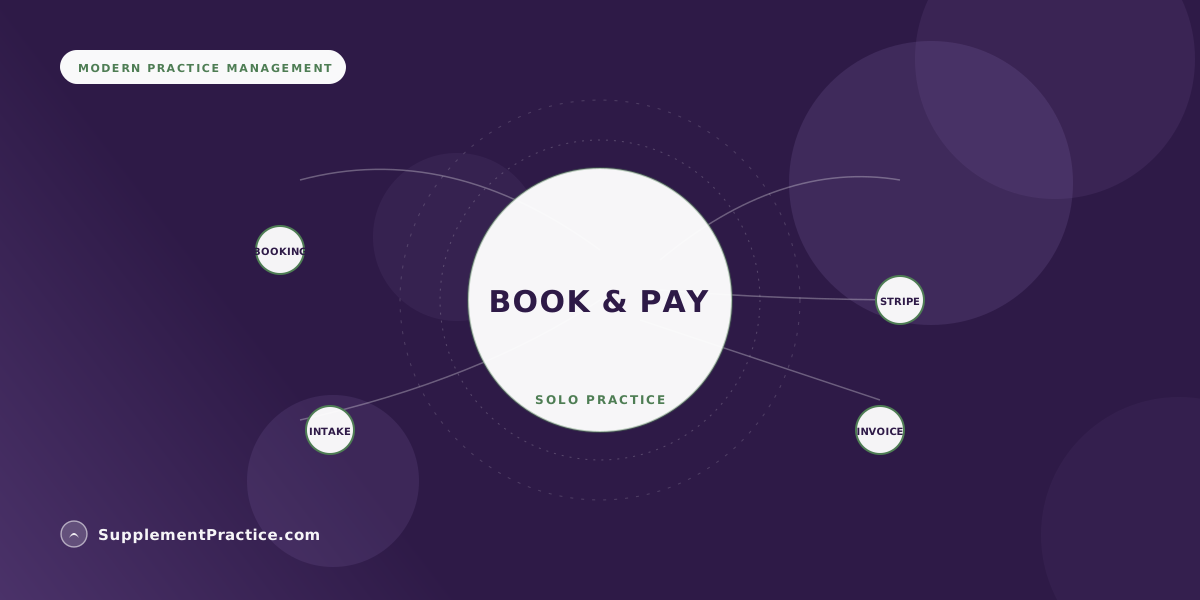
As a solo nutritionist, you take online bookings and payments by connecting a self-serve scheduling page to a payment processor like Stripe or Square, ideally inside one platform that also handles intake, charting, and invoicing. The cleanest setup lets clients pick a time, pay or save a card at booking, and complete intake before the session — all without you touching a calendar or chasing an invoice.
The Four Pieces You Need
- A self-serve booking page that shows real-time availability and prevents double-booking
- A payment processor — Stripe or Square are the common choices — connected to that booking flow
- Digital intake forms clients complete before the first session
- Automated invoices and receipts so payment is captured, not chased
- Card-on-file or deposits to cut no-shows
- One platform is simpler than stitching separate tools together
Stop thinking of booking and payment as two separate problems
The mistake most solo nutritionists make is buying a scheduling tool, then a payment tool, then a forms tool, and spending their evenings copying information between them. The whole point of taking bookings and payments online is to remove yourself from the middle. Done right, a client picks a time, pays or saves a card, and fills out intake — and the first time you are involved is when they show up. The pieces should feel like one flow, not four apps.
Here is the anatomy of that flow, the choices at each step, and how to connect them without becoming your own IT department.
Keep one principle in mind as you read: every manual step you leave in the flow is a step you will personally perform dozens of times a week, forever. A payment link you email by hand is not a one-time setup — it is a recurring chore that scales linearly with your success. The entire goal of taking bookings and payments online is to convert those recurring chores into one-time configuration. You set it up once, and it runs whether you are asleep, on vacation, or in a session with someone else.
Piece one: a self-serve booking page
Your booking page is the front door. It should show only the times you are genuinely available, respect buffers between sessions, offer different appointment types (discovery call, full consult, follow-up) at their correct lengths and prices, and prevent double-booking automatically. The goal is that a prospective client can book at 11pm on a Sunday without a single email exchange. If you are weighing dedicated scheduling tools, the deeper tradeoffs are in our guide to appointment scheduling software for wellness practices.
Piece two: connect Stripe or Square
For payments, the two default choices for solo practitioners are Stripe and Square. Both are reputable, both charge a transparent per-transaction fee (commonly around 2.9 percent plus a fixed cents amount for online card payments, though rates change), and both integrate with most practice platforms. Stripe is the more developer-flexible choice and tends to be the default for online-first practices; Square is convenient if you also take in-person card payments and want one processor for both. The important part is not which one you pick but that it connects directly to your booking and invoicing, so a completed session becomes a paid invoice automatically. Our walkthrough on syncing invoices with Stripe and Square covers the connection step by step.
One point worth understanding before you choose: neither processor holds your money hostage or requires a merchant-account application in the old, painful sense. You connect your account in minutes, funds settle to your bank on a predictable schedule, and you can see every transaction in a dashboard. Where practitioners get tripped up is fees on refunds and disputes, and payout timing during your first few weeks — read each processor's current terms so there are no surprises the first time a client asks for a refund or a payout lands a day later than you expected.
Piece three: capture payment at the right moment
You have three real options for when money changes hands, and you can mix them. Charge in full at booking for discovery calls and single sessions. Take a deposit at booking and the balance after the visit for larger packages. Or save a card on file and charge after each session automatically. Card-on-file and deposits are your best defense against no-shows, which quietly drain a solo practice more than almost anything else. A single empty slot is not just lost revenue for that hour; it is time you blocked off, prepared for, and cannot get back. Making a financial commitment part of booking changes the psychology entirely — a client who has money on the line either shows up or cancels early enough for you to rebook the time. Whatever you choose, the client should get an automatic receipt and you should never manually send a "hey, you still owe me" message. For the mechanics of clean invoicing when supplements are involved too, see invoicing and billing for supplement-selling practices.
Piece four: intake before the session, not during it
Booking and payment solve logistics; intake protects the actual session. Trigger a digital intake form the moment someone books, so their health history, medications, goals, and consent are captured before they sit down. This is also where compliance starts to matter — you are collecting health information, which means your tools should be built for it. If any of this data is protected health information, your platform and payment flow need to be handled with care, which is why HIPAA-compliant software is not optional the moment you store client health details.
Why one platform beats a stack of connected apps
You can absolutely wire together a scheduler, a payment processor, a forms tool, and an invoicing app. Many practitioners start that way. The trouble is that every integration is a seam that can break, every subscription is another bill, and client data ends up scattered across four vendors' privacy policies. Consolidating into one system — where the booking, the card, the intake, and the chart all live on the same record — is why all-in-one software is replacing the stack. For a solo practitioner whose time is the whole business, fewer seams is the entire value.
There is a second, less obvious benefit to consolidation: reporting. When bookings and payments run through one system, you can actually see your business — revenue by service, no-show rate, which appointment types fill and which do not — without exporting three spreadsheets and reconciling them by hand. A solo nutritionist who can glance at those numbers makes better pricing and scheduling decisions than one who is guessing. And if you sell supplements alongside consultations, keeping payments in one place is what lets you track product revenue and margin cleanly rather than losing it in a separate processor's dashboard.
A solo nutritionist in Austin reclaims her evenings
Priya ran her practice on a free calendar link, a payment app, and PDF intake forms she emailed manually. She spent most evenings confirming times, sending payment requests, and copying intake answers into her notes. No-shows were common because nothing was prepaid.
She moved the whole flow into Supplement Practice: clients now book a specific appointment type, a card is saved through the connected Stripe account, intake fires automatically, and the session becomes a paid invoice the moment it ends. No-shows dropped because a card is on file, and her admin time fell to almost nothing. The change was not any single feature — it was that the four pieces finally lived in one place.
| Payment timing | Best for | No-show protection |
|---|---|---|
| Pay in full at booking | Discovery calls, single sessions | Strong |
| Deposit now, balance after | Multi-session packages | Moderate to strong |
| Card on file, charge after visit | Ongoing clients | Strong |
| Invoice after the visit | Insurance-adjacent or superbill cases | Weak |
Common mistakes solo nutritionists make
- Emailing a payment link after every session. It is slow, it gets ignored, and it puts you in the awkward role of debt collector.
- Collecting health intake through a generic form tool. If it holds health information it needs to be handled as protected data, not a free survey app.
- Not saving a card on file. Deposits and card-on-file are the single biggest lever against no-shows.
- Manually re-typing intake answers into notes. Intake should flow straight into the chart, not a copy-paste chore.
- Running four disconnected tools. Every integration is a seam that breaks at the worst moment.
A note on compliance and fees
This is general guidance, not legal or tax advice. Processor fees, sales-tax obligations on any products you sell, and the rules for handling client health information vary and change over time — verify current Stripe or Square pricing directly, and confirm your data-handling obligations with a qualified professional. The technology to take bookings and payments online is genuinely easy now; the part worth getting right is making sure the client data flowing through it is handled the way health information should be.
Frequently asked questions
Should a solo nutritionist use Stripe or Square?
Either works well; the choice is about your mix. Stripe is the flexible default for online-first practices and integrates almost everywhere. Square is convenient if you also take in-person card payments and want one processor for both online and in-person. Both let you connect directly to booking and invoicing — see syncing invoices with Stripe and Square.
How do I stop no-shows when taking online bookings?
Require a deposit or save a card on file at the time of booking, and send automated reminders. When a client has money committed, they either show up or cancel in time for you to fill the slot. Card-on-file is the single most effective no-show defense for a solo practice.
Do I need HIPAA-compliant tools just to take bookings and payments?
The moment you collect client health information — intake, history, medications — yes. Basic name-and-email scheduling is lower risk, but real intake is protected health information and should live in HIPAA-compliant software, not a generic form or calendar app.
Can clients book and pay without me being involved?
Yes, and that is the goal. A self-serve booking page tied to a payment processor lets a client choose a time, pay or save a card, and complete intake on their own schedule. The first time you are involved is the session itself — no email back-and-forth required.
What does it cost to accept online payments?
Expect a per-transaction processing fee — commonly around 2.9 percent plus a small fixed amount for online card payments, though rates change and vary by processor and volume. There is usually no charge to save a card on file; you only pay when a payment is actually processed. Confirm current pricing directly with Stripe or Square.
Where to go next
Compare scheduling software for wellness practices, learn to sync invoices with Stripe and Square, and see why all-in-one software beats the stack.