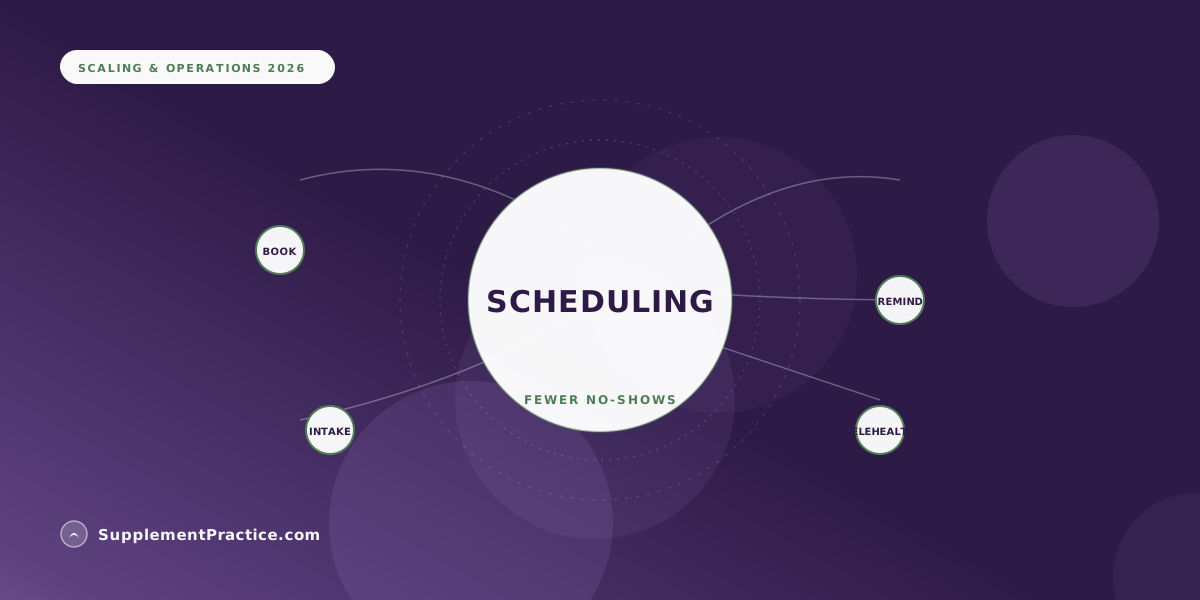
Appointment scheduling software earns its keep two ways: automated reminders cut no-shows, which is direct recovered revenue, and online self-booking reclaims front-desk hours spent on phone tag. The catch is that scheduling in a silo re-creates the reconciliation problems it was meant to solve. This guide covers what to require and why scheduling should share the patient record with the chart and dispensary.
What Scheduling Software Should Deliver
- Online self-booking that respects your real availability rules
- Automated reminders by text and email to cut no-shows
- Intake forms captured at booking, flowing into the chart
- Multi-provider, multi-room, and telehealth support
- A waitlist that auto-fills cancellations
- Scheduling that shares the patient record — not a silo
- HIPAA-eligible handling of everything patients submit
Two costs hide inside your calendar
Every wellness practice pays two quiet taxes through its appointment book. The first is no-shows: an empty slot that was reserved is revenue that can't be recovered and a patient whose care lapsed. The second is administrative time: the hours the front desk spends on phone tag, manual reminders, and rescheduling that don't generate a dollar. Good appointment scheduling software attacks both directly, and for a small clinic the combined recovery is substantial — often the clearest, fastest return of any operational software you buy.
But scheduling has a trap. Bought as a standalone tool, it becomes one more system that doesn't know about the chart, the intake, or the dispensary — and the time it saves on booking gets spent re-entering the same patient into the next system. The value is real only when scheduling shares the patient record with the rest of the practice, which is the thread running through this whole guide.
Requirement 1: Online self-booking that respects your rules
Self-booking is the feature that reclaims the most front-desk time, but only if it encodes how your practice actually schedules. That means appointment types of different lengths, buffer time between patients, provider- and room-specific availability, and rules like "new patients require a 60-minute slot" or "telehealth only on Thursdays." A booking tool that can't express your real constraints creates as much cleanup as it saves, because staff end up fixing mis-booked appointments. When it works, patients book themselves at 10 p.m. without a phone call and the calendar stays correct.
Requirement 2: Automated reminders that actually cut no-shows
Automated reminders are the highest-ROI scheduling feature because the effect is direct: a reminder sent by text and email a day or two before the appointment measurably reduces no-shows across healthcare settings. The mechanics matter — reminders should let the patient confirm, cancel, or reschedule from the message itself, because a cancellation you receive in advance is a slot you can refill, while a silent no-show is pure loss. Configurable timing (a longer lead for new patients, a same-day nudge for procedures) tightens the effect further. For a clinic running even a modest weekly volume, the recovered slots pay for the software many times over.
An acupuncture clinic losing slots to no-shows and phone tag
A two-practitioner acupuncture clinic booked entirely by phone and lost several appointments a week to no-shows. The front desk spent a large share of each day on the phone — booking, confirming, rescheduling — and reminders were manual and inconsistent, so they often didn't happen during busy weeks. New-patient intake was a paper form completed in the waiting room, which pushed the first treatment late.
They moved to scheduling inside their practice platform. Patients now self-book against real availability rules, automated text-and-email reminders with one-tap confirm went out for every appointment, and intake forms were sent at booking so they arrived completed. No-shows dropped sharply, the recovered slots were re-sold from a waitlist that auto-filled cancellations, and the front desk got hours back each day. Because scheduling shared the record, the completed intake flowed straight into the chart — the first treatment started on time instead of after a clipboard.
Requirement 3: Intake captured at booking, not in the waiting room
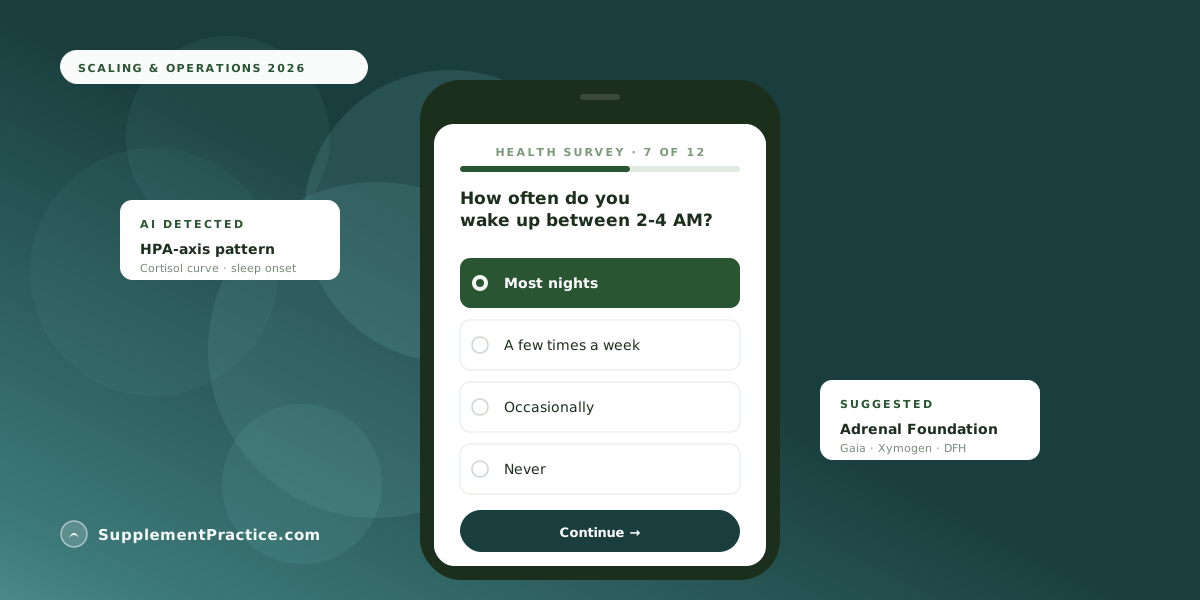
The moment a patient books is the moment to collect what you'll need — contact details, insurance or payment info, and, for a wellness practice, the intake and symptom instruments that drive the first protocol. When scheduling and intake are connected, the forms go out automatically at booking and arrive completed, so the visit starts with the clinical work rather than a clipboard. For supplement-focused practices this is especially valuable because structured intake can begin surfacing needs before the patient walks in, as we describe in using automated health surveys to pre-screen patients for supplement needs.
Requirement 4: Telehealth and multi-provider without extra tools
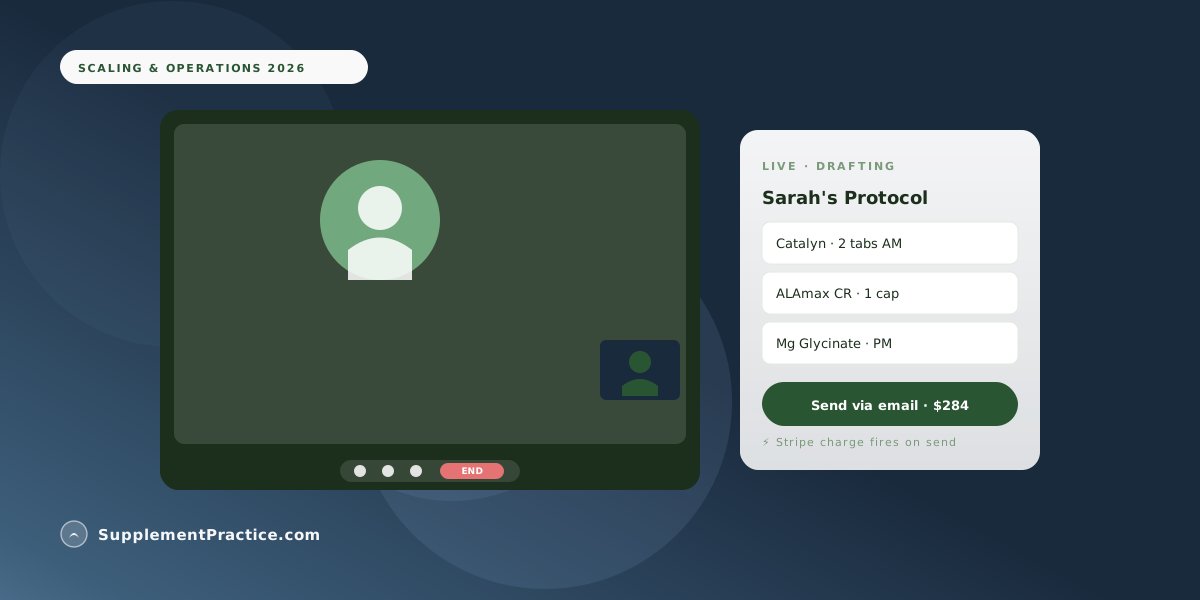
Many wellness practices now run a mix of in-person and virtual visits across multiple providers, and scheduling has to handle that natively — a telehealth appointment type that generates a secure video link, provider-specific calendars, and room management for physical space. Bolting a separate video tool onto a separate scheduler onto a separate billing system re-creates the seam problem in the patient-facing workflow. Scheduling that includes telehealth and connects to billing is covered in our guide to HIPAA-compliant telehealth with integrated billing.
Scheduling feature scorecard
| Feature | Why it matters | Bar to require |
|---|---|---|
| Online self-booking | Reclaims front-desk hours | Encodes your real availability rules |
| Automated reminders | Cuts no-shows directly | Text + email, one-tap confirm/reschedule |
| Intake at booking | Visits start on the clinical work | Forms flow into the chart |
| Waitlist auto-fill | Re-sells cancellations | Automatic, not manual |
| Telehealth | Mixed in-person/virtual practice | Native, secure links |
| Shared record | No re-entry across systems | Same record as chart + dispensary |
Common mistakes with scheduling software
Five ways scheduling tools underdeliver
- Buying a standalone scheduler. A calendar that doesn't share the patient record just moves the re-entry problem one step down the workflow.
- Reminders without a response path. A reminder the patient can't act on captures cancellations too late to refill the slot. Require confirm/cancel/reschedule in the message.
- Booking rules that don't match reality. If the tool can't express your buffers and appointment types, staff spend their reclaimed time fixing mis-bookings.
- Collecting intake in the waiting room. Paper intake at arrival pushes the first visit late; capture it at booking instead.
- Ignoring the waitlist. Cancellations are recoverable revenue only if something auto-fills them. A manual waitlist rarely gets worked during busy weeks.
Scheduling is the front door — connect it to the house
Scheduling is where the patient relationship starts, which is exactly why it shouldn't stand alone. The measurable wins — fewer no-shows, reclaimed admin hours, on-time visits — are real on their own, but they compound when the booking flows into intake, the intake flows into the chart, and the chart flows into the protocol and dispensary without anyone re-entering a name. A standalone scheduler delivers the first-order savings and quietly imposes a second-order cost at every seam. Scheduling built into the same platform as the rest of the practice delivers the savings and keeps them, because the patient who books is the patient whose chart, protocol, and invoice already know who they are. That connectedness is why practices increasingly treat scheduling as one module of a platform rather than a tool to buy on its own — the same logic behind why all-in-one software is replacing the stack.
Frequently asked questions
How much can scheduling software reduce no-shows?
Automated appointment reminders measurably reduce no-shows across healthcare settings, and the effect is strongest when the reminder lets the patient confirm, cancel, or reschedule from the message itself — because an advance cancellation is a slot you can refill while a silent no-show is pure loss. For a clinic running even modest weekly volume, the recovered slots typically pay for the software many times over.
What features matter most in appointment scheduling software?
Online self-booking that encodes your real availability rules, automated text-and-email reminders with a one-tap response path, intake forms captured at booking, native telehealth and multi-provider support, and a waitlist that auto-fills cancellations. Above all, the scheduler should share the patient record with your chart and dispensary rather than being a silo.
Why shouldn't I just buy a standalone scheduling app?
Because a calendar that doesn't share the patient record moves the re-entry problem one step down the workflow. The time you save on booking gets spent re-entering the same patient into your chart, billing, and dispensary. Scheduling delivers durable value only when the booking, intake, chart, and invoice read the same record.
Should intake forms be collected at booking or at the visit?
At booking. When scheduling and intake are connected, forms go out automatically when the appointment is made and arrive completed, so the visit starts on the clinical work instead of a waiting-room clipboard. For supplement-focused practices, structured intake collected early can begin surfacing protocol needs before the patient arrives.
Can scheduling software handle both in-person and telehealth visits?
The better platforms handle both natively — a telehealth appointment type that generates a secure video link, provider-specific calendars, and physical room management — without bolting on a separate video tool. Keeping telehealth, scheduling, and billing in one system avoids re-creating the seam problem in the patient-facing workflow.
Where to go next
Continue with HIPAA-compliant telehealth with integrated billing, pre-screening patients with automated intake, and why all-in-one software is replacing the stack.