Set up a Standard Process Patient Direct account by enrolling at standardprocess.com, linking your practitioner profile to SupplementPractice.com, and connecting your dispensary settings — patient orders then fulfill directly from Standard Process to the patient's address with the practice keeping the prescribing margin. Setup typically takes under 30 minutes.
Patient Direct Setup Checklist
- Verify your practitioner license with Standard Process
- Enroll in Patient Direct at standardprocess.com
- Connect Patient Direct credentials in SupplementPractice.com settings
- Set default margin tier (15–25%)
- Test with a sample protocol before going live
- Configure patient communication templates
What Patient Direct Replaces in Your Workflow
Patient Direct eliminates physical stocking for the long-tail of Standard Process SKUs. Patients order through your branded dispensary; Standard Process ships in 2–4 days. The practice keeps the prescribing margin without tying up shelf capital.
How SupplementPractice.com Closes the Loop
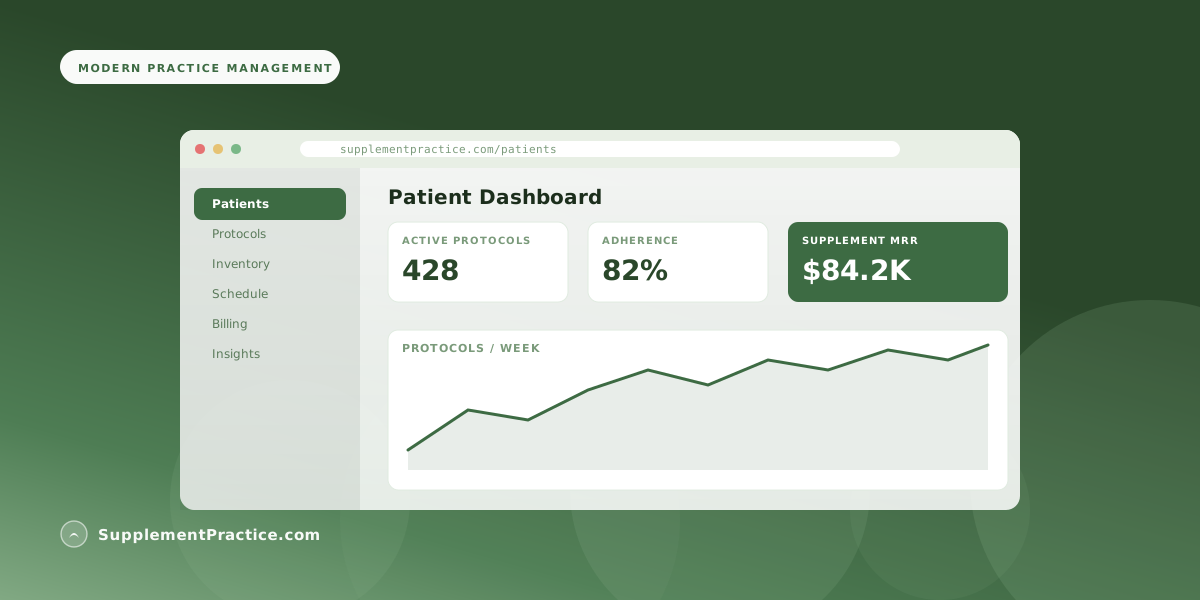
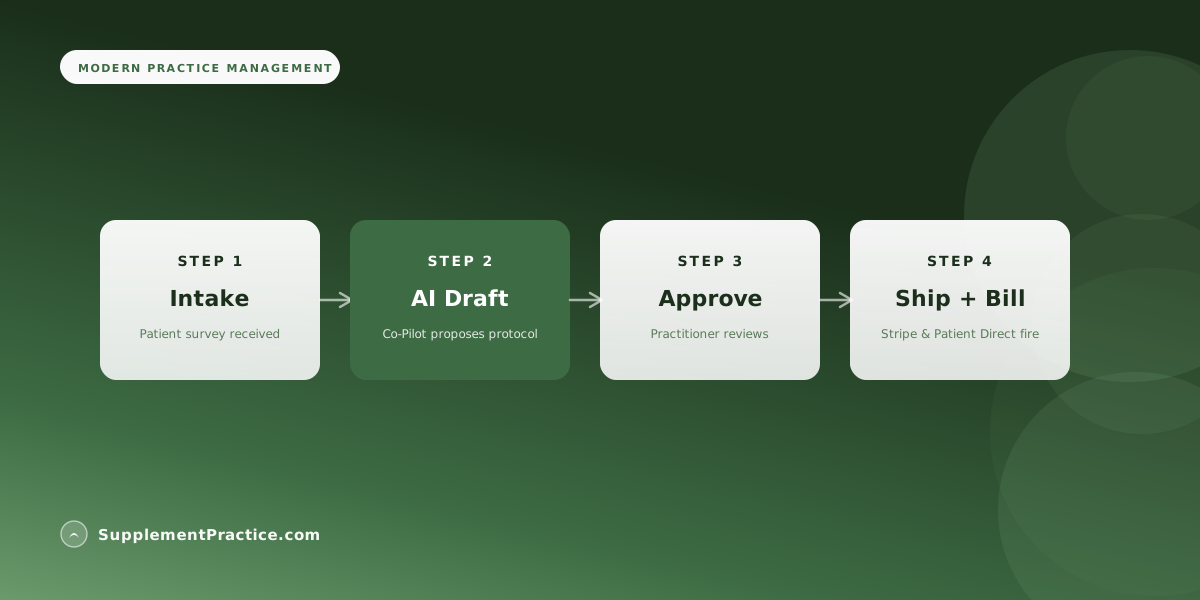
Once linked, every protocol approved in SupplementPractice.com that contains a Standard Process item auto-fires a Patient Direct order with the patient's chart address. Tracking returns to the practice dashboard.