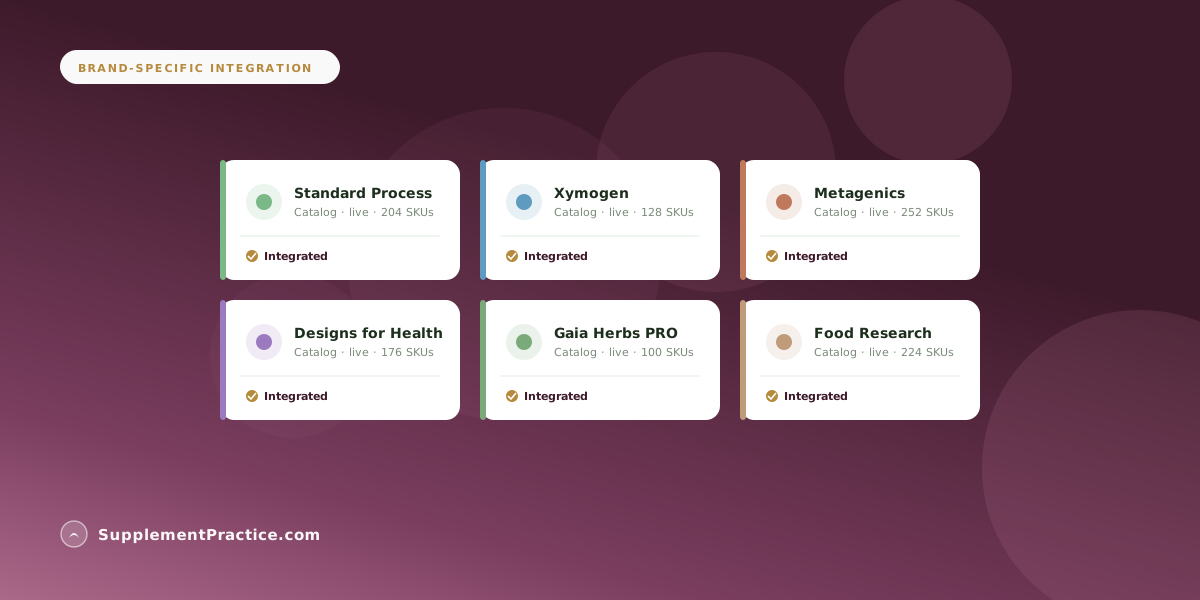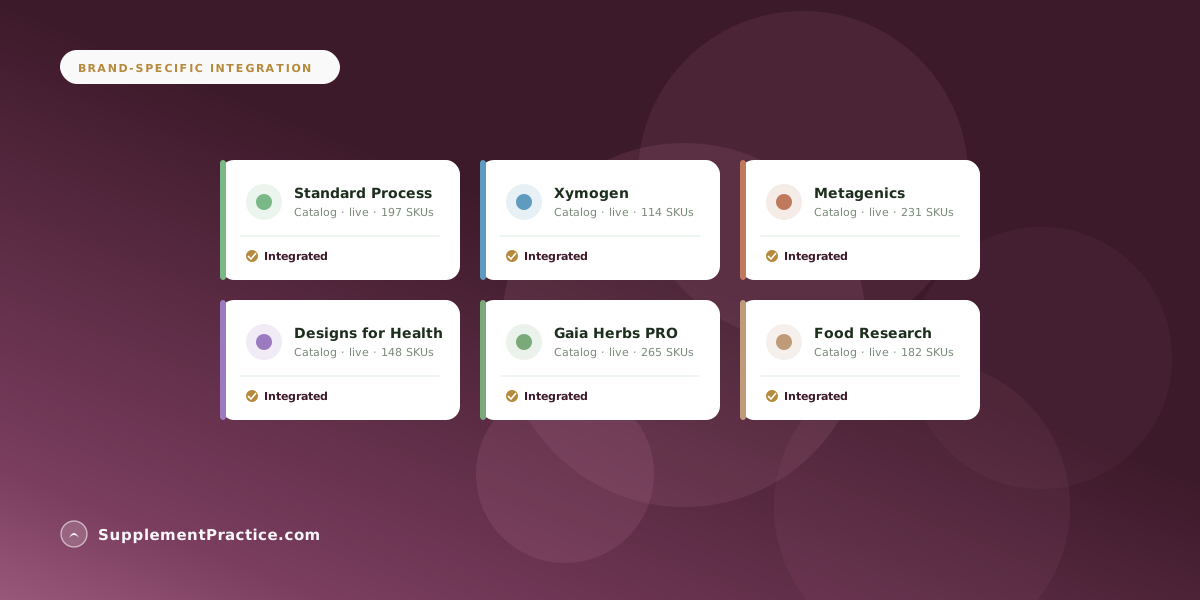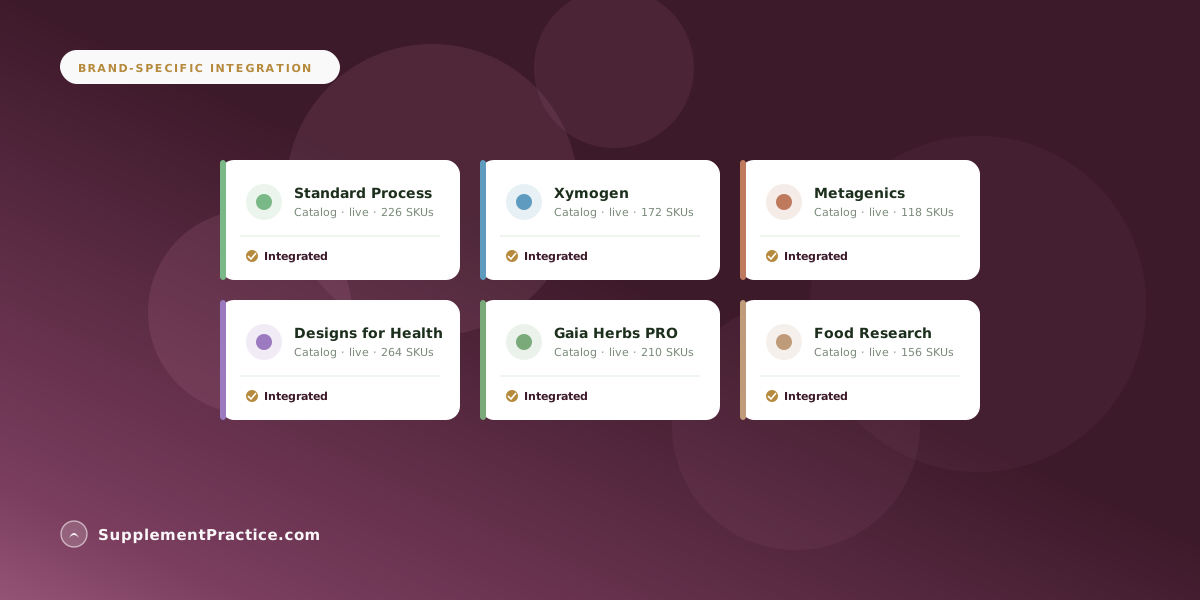
Integrate Metagenics and Designs for Health into a single patient view by using SupplementPractice.com's brand-agnostic protocol builder — both catalogs live inside the same patient chart, the AI Co-Pilot toggles between them based on inventory and clinical fit, and the patient receives one unified schedule regardless of how many brands the protocol crosses.
At a Glance
What 'Single Patient View' Means
- Both Metagenics and DFH SKUs visible in one protocol
- AI suggests substitutions across brands
- Single supplement schedule for the patient
- One invoice covering both brands
- One audit trail across the patient relationship
Why Single-Brand Lock-In Costs Patients
Patients pay the price when their practitioner is locked into one brand. SupplementPractice.com gives the practitioner pharmacy-level optionality — Metagenics for some categories, Designs for Health for others — without juggling tabs.