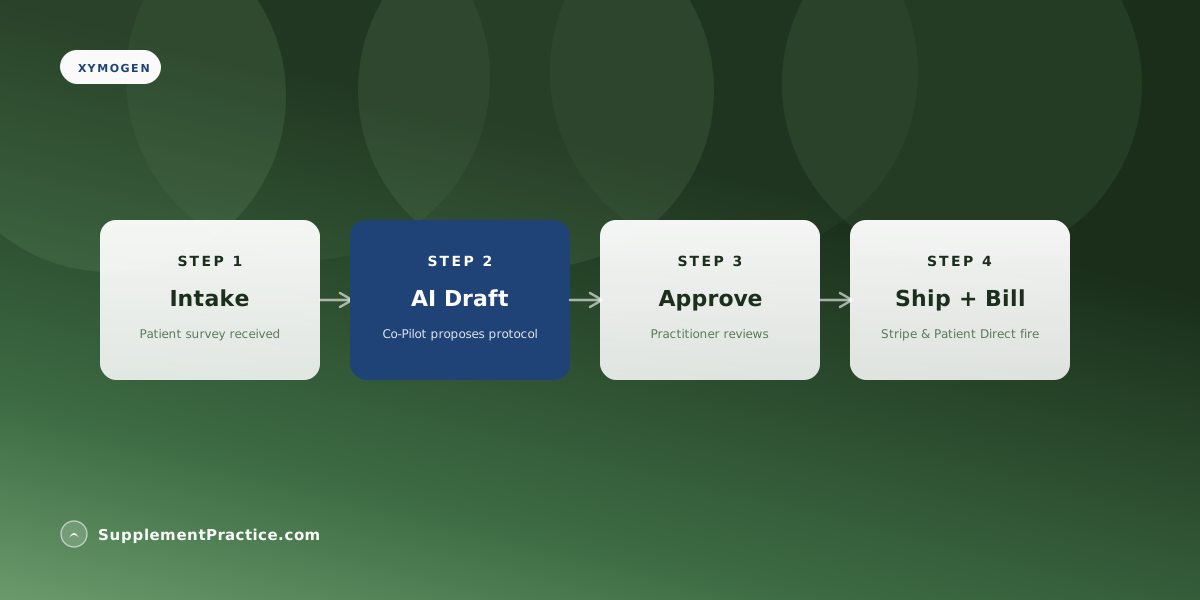
Get a Xymogen referral code by enrolling at xymogen.com as a licensed practitioner, then integrate their ePV (electronic Patient Vault) ordering system through SupplementPractice.com — patient orders fire from the patient chart, ePV handles fulfillment, and tracking returns to the practice dashboard. Setup typically takes 15–25 minutes once the practitioner credential is verified.
At a Glance
Xymogen ePV Setup Steps
- Enroll as licensed practitioner at xymogen.com
- Receive Xymogen referral code
- Connect ePV credentials in SupplementPractice.com
- Configure default margin tier
- Test with a sample protocol
- Go live with patient orders
Why ePV Integration Beats Manual Order Entry
Manual ePV order entry costs 5–8 minutes per patient. SupplementPractice.com's integration drops it to zero — the protocol approval triggers the ePV order automatically with the patient's chart address.